Smaller Nikon ZR files. More room for your next shoot. Compress R3D, N-RAW and supported ProRes RAW into H.265 10-bit 4:2:2, optional 4:2:0, or Apple ProRes, with automatic exports or manual RAW control in Resolve.
“The ZR Raw Extended tool is a game-changer for the creator, significantly simplifying their workflow by automating the transcoding of large Nikon ZR files.”
Short excerpts from public YouTube comments. Open any card to see its original context. No commenter was paid or incentivized.
The honest RAW tradeoff
What you keep. What you trade.
This is not RAW after conversion, and it is not pretending to be. It is a practical, high-quality next step for footage that no longer needs major camera-RAW adjustments.
YOU TRADE
Adjustable camera-RAW controls.
ISO, white balance, decode settings, and other camera-RAW decisions become baked into the finished file. Keep the original RAW for shots that still need significant recovery or reinterpretation.
YOU KEEP
10-bit color. Your choice of size.
Keep Standard 4:2:2 for more color detail, or choose optional Sony-inspired and Nikon-inspired 4:2:0 bitrate presets. Clear descriptions and per-clip estimates make the storage tradeoff visible. Camera names refer to bitrate, not color profiles.
The result retains strong grading latitude in the same bit-depth and chroma-sampling class as a high-quality internal recording format. R3D footage keeps its established RED-derived color foundation.
Much smaller files Faster transfers and backups Lower storage requirements Camera originals never overwritten
About playback: performance depends on the Mac, editing application, resolution, and frame rate. H.265 is chosen here for storage efficiency, not as a universal promise of smoother playback.
How it works & choosing an engineAdd RAWs, choose Resolve or REDline, collect verified exports
A calmer ingest
Three moves. Then get on with your day.
No codec maze. No mystery folders. No babysitting render tools. The app keeps the decisions visible and the machinery out of your way.
01
Add RAWs
Files, folders, or watched directories.
02
Your engine renders
Choose REDline or Resolve for the session.
03
Files land ready
Clean names, history, and verified output.
Two RAW engines. One queue.
Two integrations. One calm workspace.
Choose once for the session. Queue controls, listener automation, history, progress, output profiles, verification, and recovery stay exactly where they are.
Preferred quality path
DaVinci Resolve
On supported Apple silicon Macs, DaVinci Resolve can process many RAW jobs faster thanks to its mature hardware acceleration and highly optimized media engine. It is our preferred-quality option, enables Timeline Builder for manual Camera RAW work, and adds guarded ProRes RAW and ProRes RAW HQ camera-original support.
Resolve 21.1 tested · ProRes RAW Auto Export: 20.2+; Timeline Builder: 21.1+ · Local scripting requiredAdditional RAW compatibility
REDCINE-X / REDline
A selectable RAW processing integration that stays inside the same focused queue, listener, progress, verification, and recovery experience.
Availability checked during guided setup
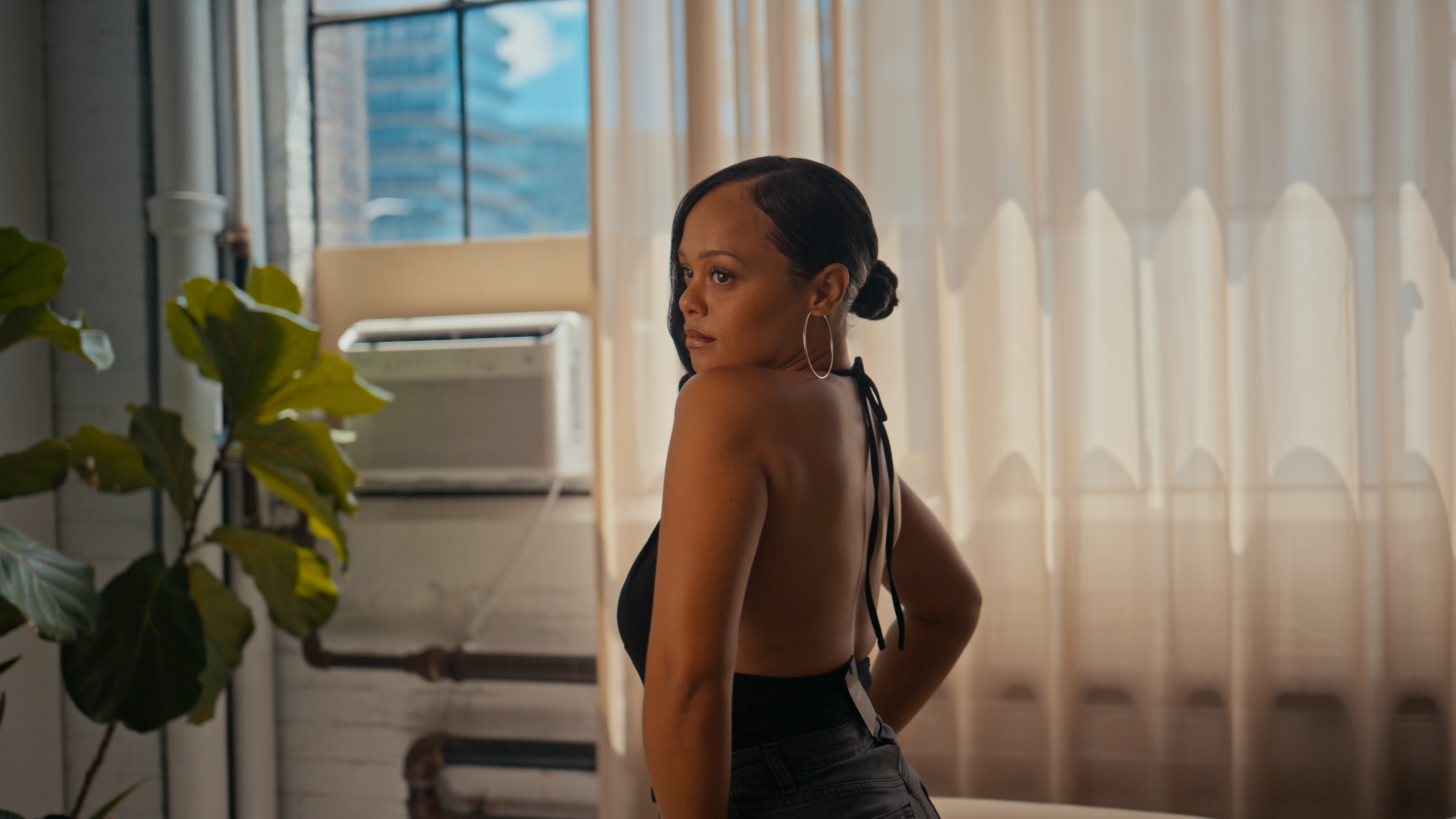
Real-frame comparison
Compression should remove weight. Not the picture.
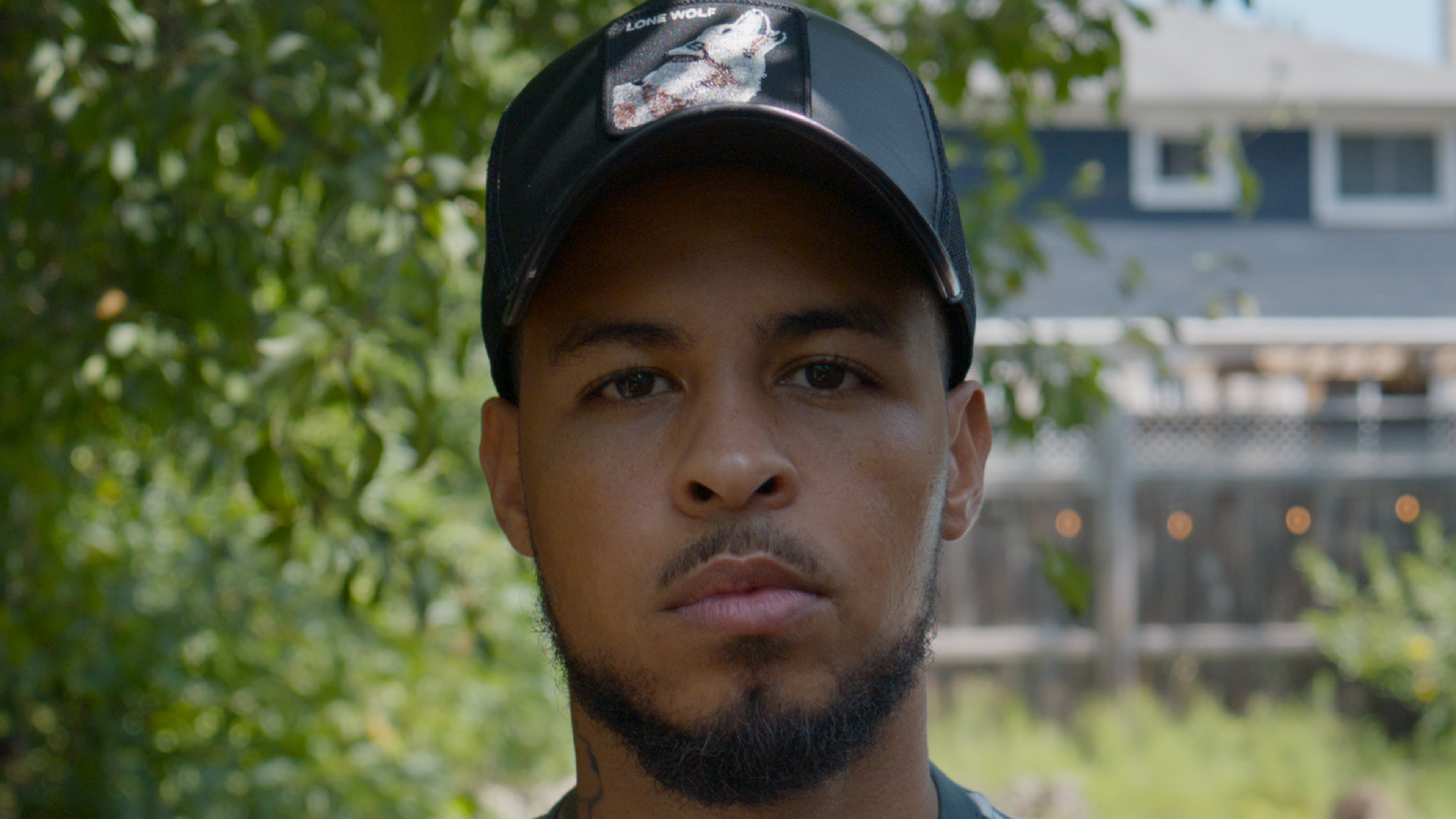
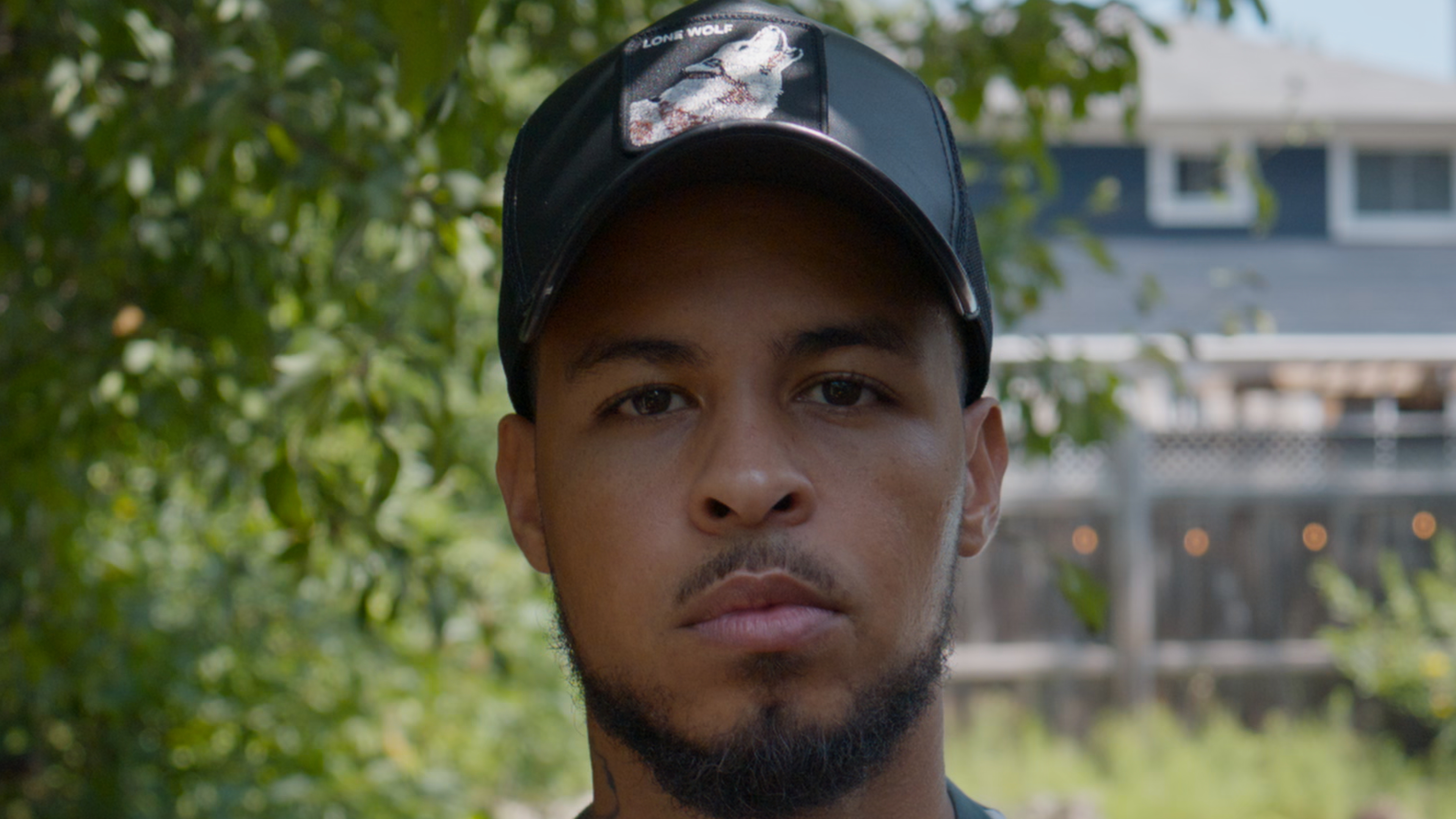
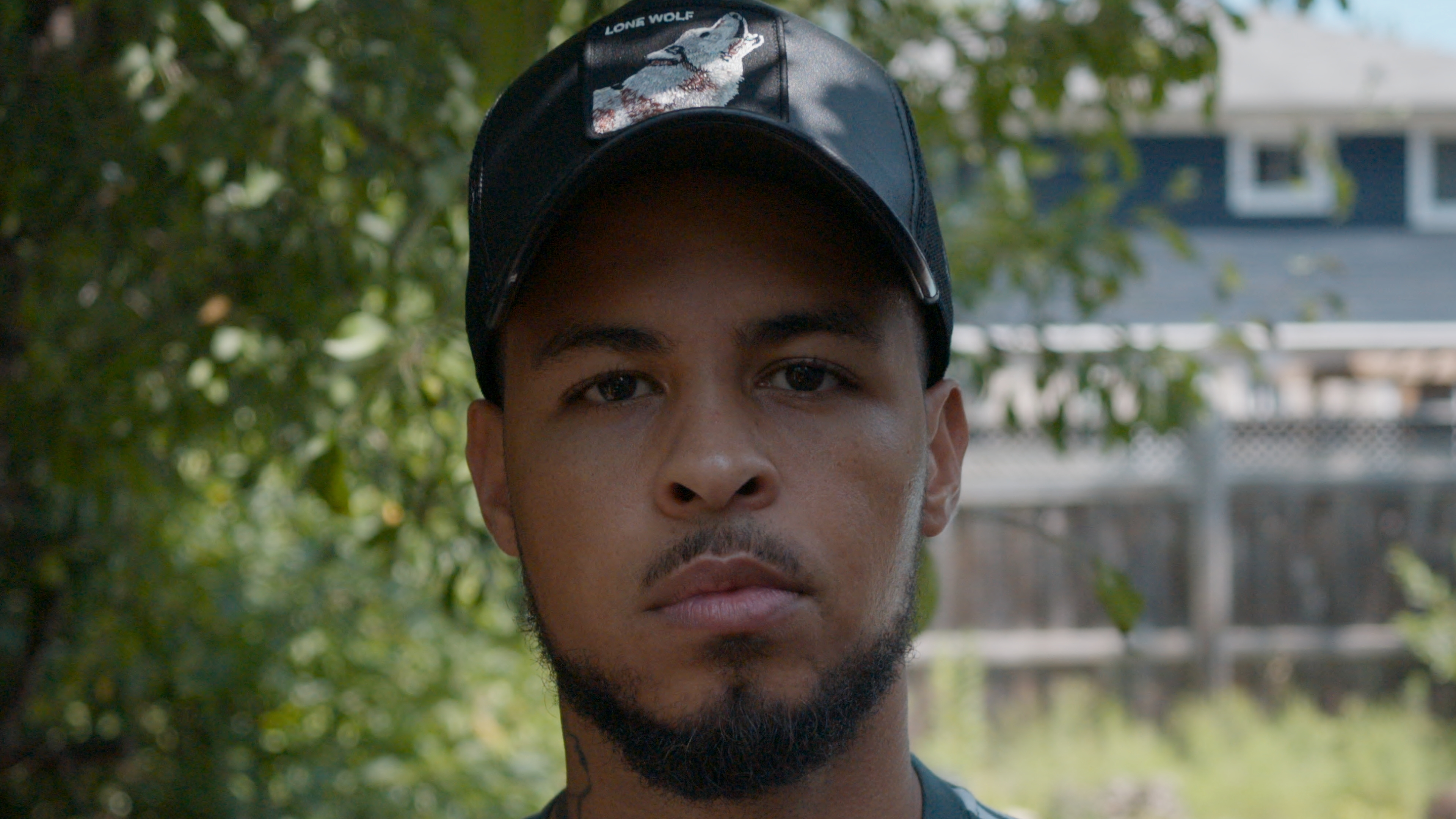
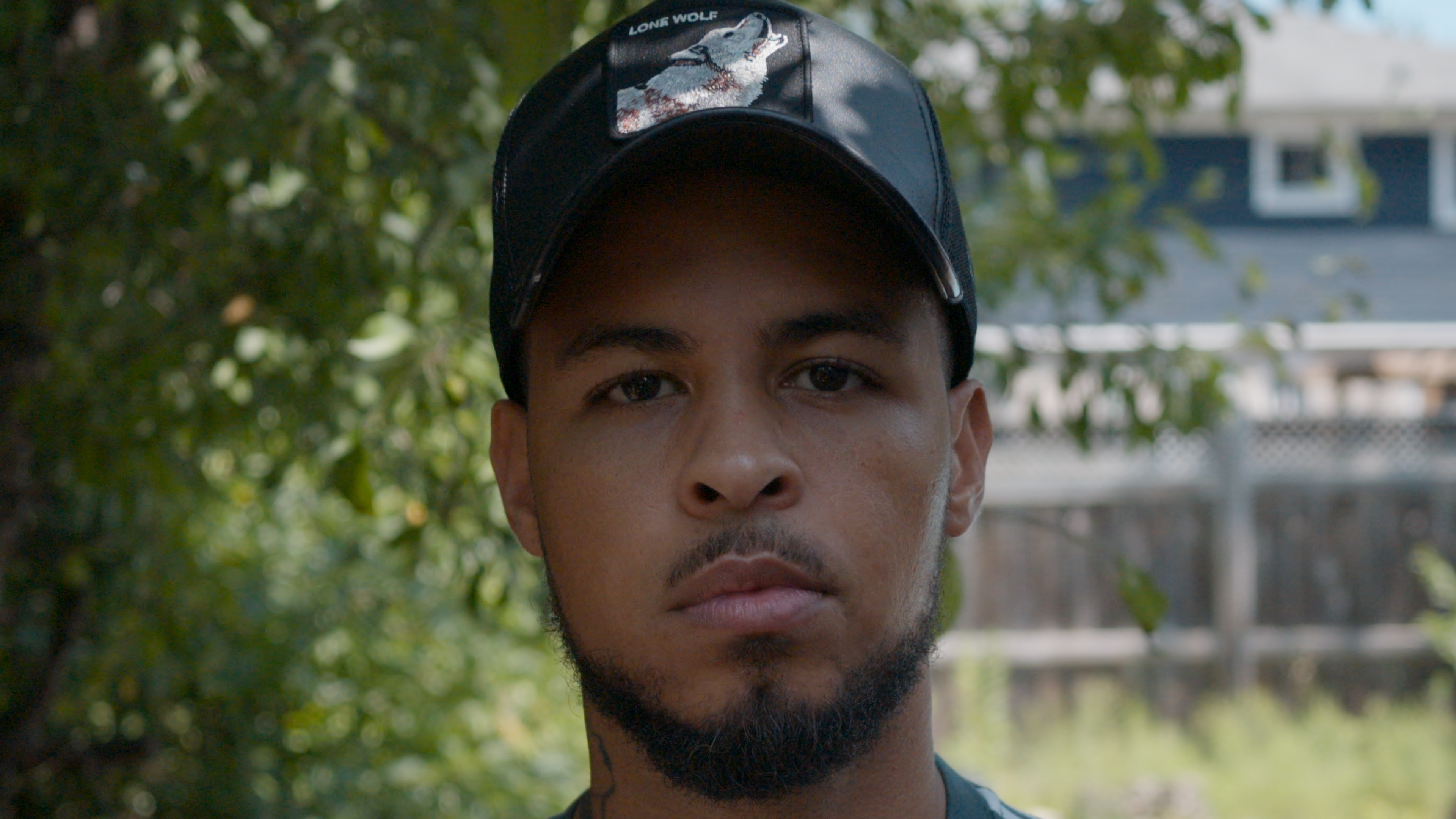
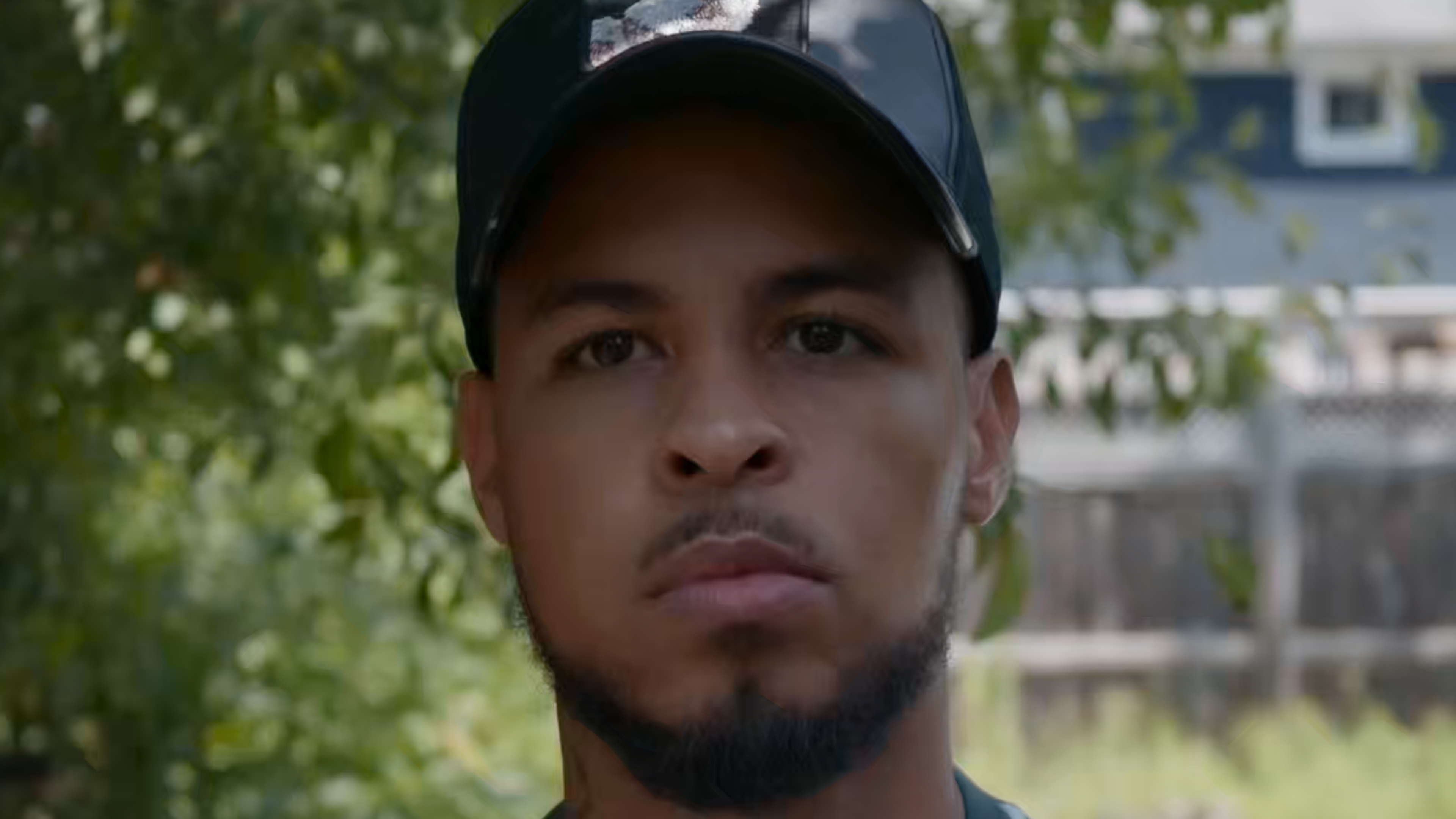
These supplied 4K stills place RAW-decoded source frames beside their compressed counterparts. Open any frame at full resolution and inspect skin texture, fine edges, shadow detail, and highlight transitions for yourself.
Example 02 / Matched frame
R3D source. H.265 result.
The source and export remain remarkably close on a frame with fine hair, skin gradients, window detail, and bright fabric.
0.9866
SSIM1.0 is identical
Measured from the supplied 3840 x 2160 JPEG stills.
Visual field comparison, not a controlled laboratory benchmark. Display scaling, JPEG screenshots, camera settings, lens behavior, and playback state can affect perceived detail. Preview files receive the same web treatment; linked 4K stills are the untouched supplied screenshots.
Explore at your own pace
A closer look, when you need it.
Per-clip output choices, export history, folder automation and manual RAW control. Open the User Guide ↗
Workspace & listener previewsSee the queue, countdown and watched-folder controls
Carbon Cinema
More footage. Less interface.
The 1.2.3 workspace separates new and previously processed media at a glance and adds a guarded Convert NEV to R3D utility for queued files or a chosen folder.
High-fidelity UI demonstration with fictional media
RAW 16.8 GB → Output 1.34 GB92% smaller · 250 Mb/s actual
VERIFIEDH.265 Standard×
FINISHED FILESDemo Production / R3DH265Change
1 of 3 complete48%
02 / Five-second reviewAutomation without surprises.
Cancel before processing starts and make any last queue changes.
ZRZR R3D ListenerQuiet background processing for selected locations
Listener on
LISTENER HEALTH
Ready and listening2 locations checked just now · No files waiting to settleHealthy
WHEN MEDIA ARRIVES
ActionChoose an automatic export or manual RAW handoffBuild Resolve timeline
WorkspacePersistent project with synchronized jobsZR Timelines
OutputDefault format for new footageH.265 Standard
5Five-second reviewCancel before the project is built. Render Timeline Clips stays manual.
WATCH LOCATIONS
◆Incoming Camera RAWDemo Production / Incoming Camera RAW
◆Studio OriginalsDemo Archive / Studio Originals
FINISHED FILES
Beside each sourceSelected directory
The selected destination stays synchronized with prepared Resolve jobs. Prior exports remain visible before another compression.
03 / ListenerPoint it at your RAW folders.
Watch multiple directories, preserve history, then choose automatic export or a prepared Resolve timeline.
Explore the new workspaceNow available in Build 253
Available now / Build 253
Room for the footage. Clarity for the decisions.
A larger searchable queue. A dedicated export panel. Separate automatic and timeline workflows. The redesigned workspace is now included in the download. Try this interactive illustration with fictional media.
ZZR RAW ExtendedInteractive demo
YOUR NEXT EXPORT
Everything in its place.
Resolve / H.265 Standard
Footage2 selected / 3 clips
NEW MEDIA 2 clips
PREVIOUSLY PROCESSED 1 clip
Select a clip to include it. Previously processed media stays unchecked.
FINISHED FILESDemo Production / ExportsOriginal camera files are kept by default.
READY WHEN YOU ARE
From queue to finished files.
Choose the clips and destination. Follow progress as each file finishes.
Auto Export 2 Clips→
Interactive illustration only. No media is uploaded or processed.
01 / ORGANIZATION
Find the shot. Keep the context.
Search by file, camera, or RAW type. Expand clip details when you need them, without filling every row with controls.
02 / CONTROL
One clear next action.
Keep the destination and export action together. Move to Timeline Builder when a shot needs manual attention.
03 / CONFIDENCE
Know what actually finished.
See prior exports separately from new targets, with measured size and completion details tied to the right settings.
Everything important is in the queue. Everything else stays out of the way.
01
Drop it. Queue it.
Drop supported clips or folders into the app or onto its Dock icon to add them to one queue. Check thumbnails, camera details, processing history and estimated savings before you commit.
02
H.265ProRes
Choose per clip.
Set H.265 or ProRes for the whole queue, then override individual files when a shot needs something different. Mixed formats run in one organized Resolve session.
03
RAWCOLOR
Build. Then decide.
Timeline Builder prepares an organized Resolve project without starting the export. Adjust Camera RAW controls with preview colors on, then render camera log with those RAW adjustments baked and preview grades excluded.
04
5
Walk away.
The menu-bar listener watches selected directories, gives you five seconds to cancel, then either exports automatically or prepares a Resolve timeline for manual grading.
Storage, explained
See the size before you make the file.
Every queue row shows the selected bitrate, estimated output size, and expected percentage smaller than the RAW. When the selected engine finishes, estimates switch to measured results. Elapsed time and estimated finish time help you plan the rest of the queue.
Original queue size alongside estimated output Frame-rate-aware H.265 presets H.265 All-Intra for independent frames Custom H.265 from 25-800 Mb/s ProRes RAW and ProRes RAW HQ input ProRes Proxy, LT, 422, and HQ output
ILLUSTRATIVE RESULT6K / 24 fps
CAMERA RAW1.99 GB
↓
H.265 OUTPUT218 MB
89%smaller
Illustrative result, not a size guarantee. Actual savings vary by settings, clip complexity, and duration.
File Edit View ZRListener on
ZR RAW ExtendedWatching 2 directories
Always ready, never loud
Your menu bar handles the handoff.
Hide the main window and keep the listener running. When new RAWs arrive, the app builds a reviewable queue and starts a visible five-second countdown before automatic export or an organized, editable Timeline Builder project.
54321GO
Before you download
A short requirements list.
REDCINE-X / REDline is installed during setup. DaVinci Resolve Studio is the preferred-quality engine and is required for Timeline Builder.
MacIntel + Apple siliconUniversal app; hardware support varies
SystemmacOS 13+Ventura or newer
RAW engineREDline or ResolveProRes RAW requires Resolve 20.2+
SetupInternet onceOnly if dependencies are missing
i
You do not need DaVinci Resolve for automatic R3D or N-RAW workflows. Timeline Builder requires Resolve Studio. ProRes RAW Auto Export requires 20.2+; its Timeline Builder requires 21.1+. Nikon N-Log and Panasonic V-Log profiles are recognized. Panasonic EVA1 has been tested; Nikon ZR camera-specific testing is pending. Unknown ProRes RAW profiles stop safely. Test a short clip and keep your originals.
Installation & first launchGuided setup, macOS security and administrator approval
From download to done
Install in three steps.
1Download
Open the DMG and launch the installer.
2Open guided setup
If macOS blocks this non-notarized community build, review Privacy & Security and choose Open Anyway only if you trust the download.
3Let setup finish
Setup checks required components before placing the app in Applications. Internet access and administrator approval may be needed; Resolve can be configured later.
ZR RAW Extended 1.2.3 · Build 253 · October 8, 2026
Make RAW feel lighter.
Free to download. No account, payment, or donation required.
Looking for ZR RAW Extender? You're in the right place. The app's official name is ZR RAW Extended.