Adjustable camera-RAW controls.
ISO, white balance, decode settings, and other camera-RAW decisions become baked into the finished file. Keep the original RAW for shots that still need significant recovery or reinterpretation.
Free to download and use. Turn supported R3D, Nikon N-RAW, and ProRes RAW camera originals into edit-ready H.265 10-bit 4:2:2 or Apple ProRes. Choose the processing option that fits the Mac, then let the app disappear into the background.
A concise introduction to ZR RAW Extended, followed by the setup process so you can move from download to your first queue with confidence.
Subscribe on YouTubeThis is not RAW after conversion, and it is not pretending to be. It is a practical, high-quality next step for footage that no longer needs major camera-RAW adjustments.
ISO, white balance, decode settings, and other camera-RAW decisions become baked into the finished file. Keep the original RAW for shots that still need significant recovery or reinterpretation.
The result retains strong grading latitude in the same bit-depth and chroma-sampling class as a high-quality internal recording format. R3D footage keeps its established RED-derived color foundation.
About playback: performance depends on the Mac, editing application, resolution, and frame rate. H.265 is chosen here for storage efficiency, not as a universal promise of smoother playback.
No codec maze. No mystery folders. No babysitting render tools. The app keeps the decisions visible and the machinery out of your way.
Files, folders, or watched directories.
Choose REDline or Resolve for the session.
Clean names, history, and verified output.
Choose once for the session. Queue controls, listener automation, history, progress, output profiles, verification, and recovery stay exactly where they are.
On supported Apple silicon Macs, DaVinci Resolve can process many RAW jobs faster thanks to its mature hardware acceleration and highly optimized media engine. It is our preferred-quality option, enables additional image controls, and adds guarded ProRes RAW and ProRes RAW HQ camera-original support.
Resolve 21 validated · ProRes RAW requires 20.2+ · Local scripting requiredA selectable RAW processing integration that stays inside the same focused queue, listener, progress, verification, and recovery experience.
Availability checked during guided setupThese supplied 4K stills place RAW-decoded source frames beside their compressed counterparts. Open any frame at full resolution and inspect skin texture, fine edges, shadow detail, and highlight transitions for yourself.
The source and export remain remarkably close on a frame with fine hair, skin gradients, window detail, and bright fabric.
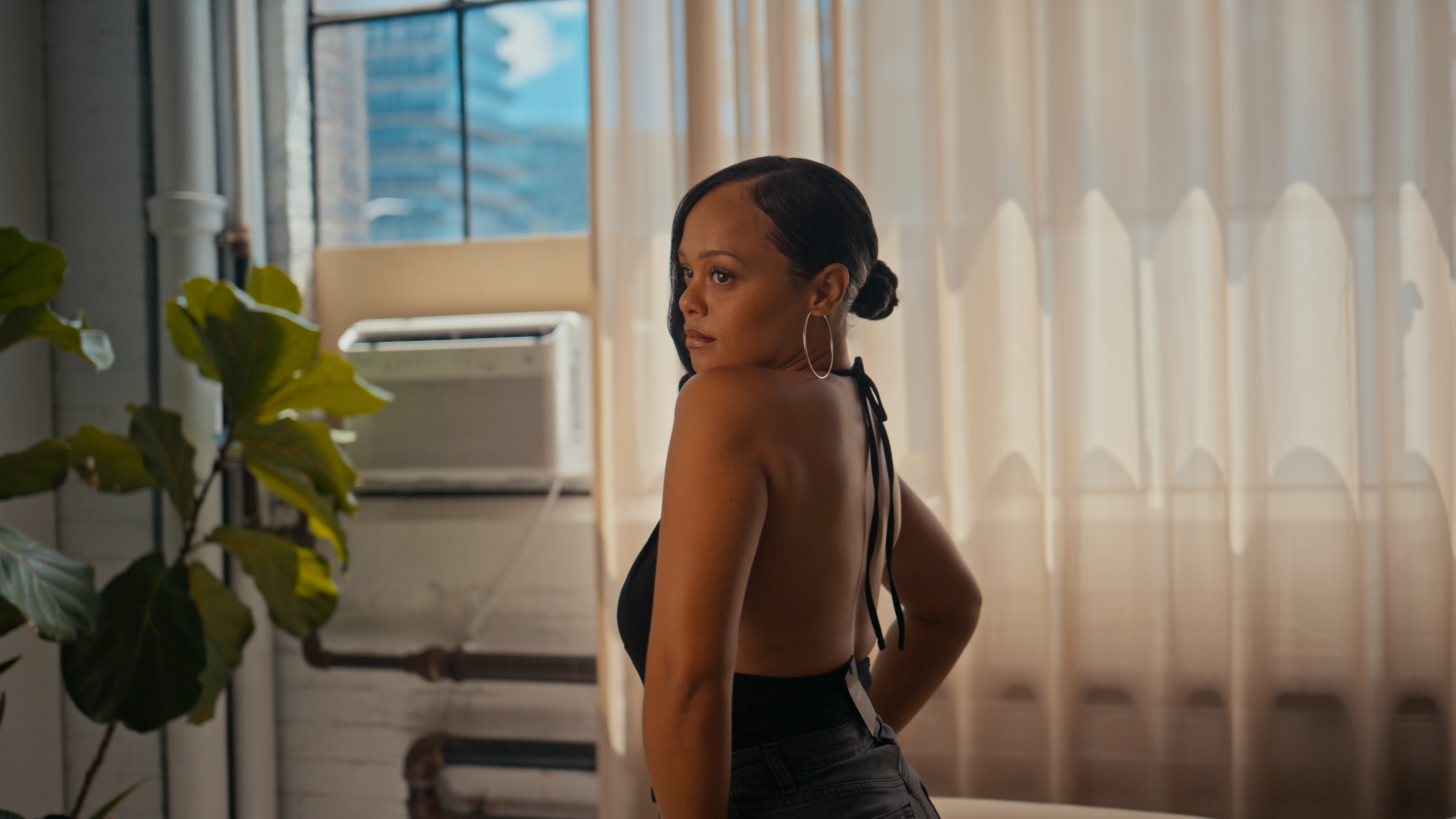 Source / R3D RAW4K ↗
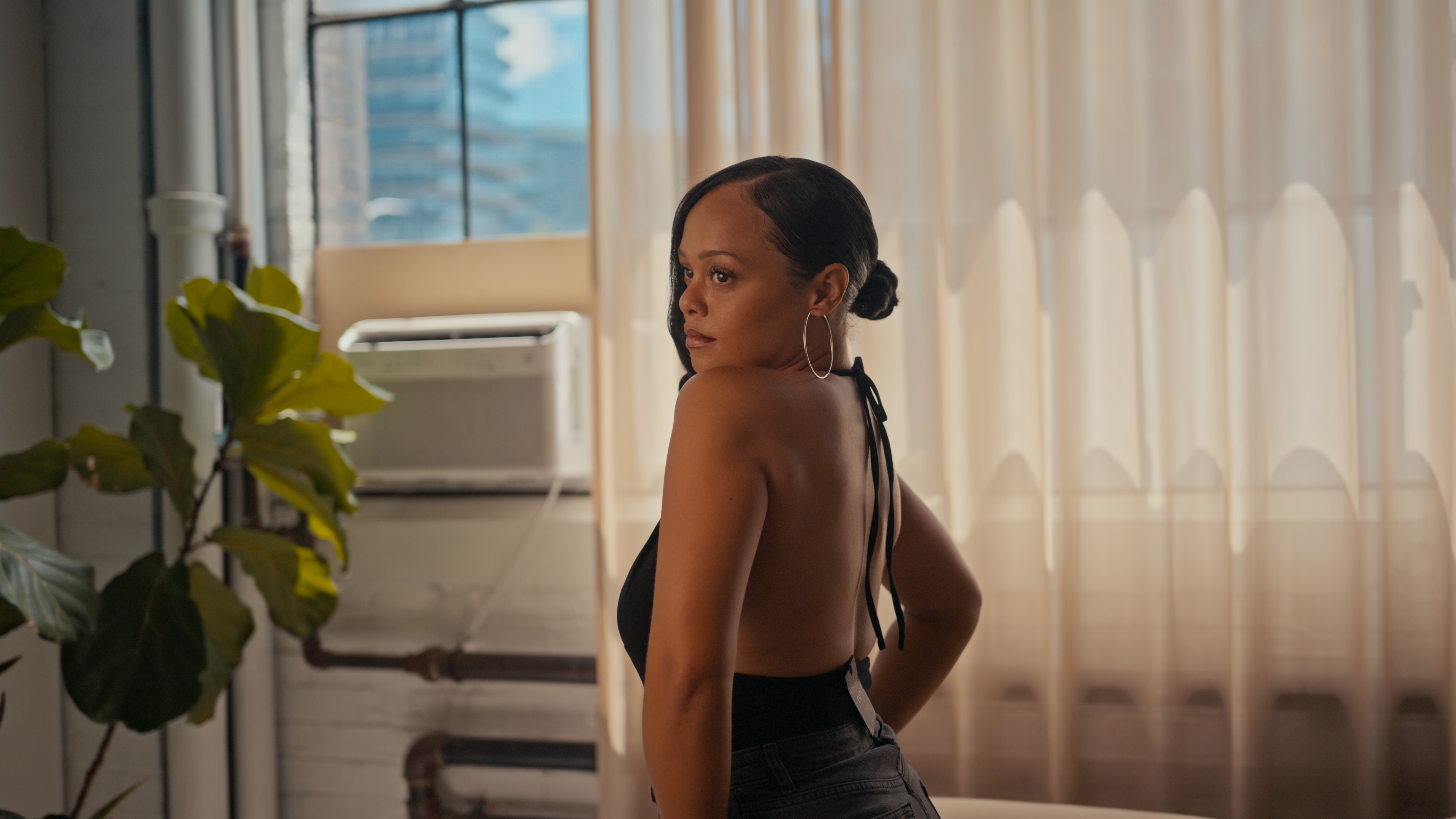 Output / H.2654K ↗
The subject stays large so texture and edge differences are easier to spot. Every crop opens to its original 3840 x 2160 still.
RAW-decoded source beside the ZR RAW Extended H.265 result.
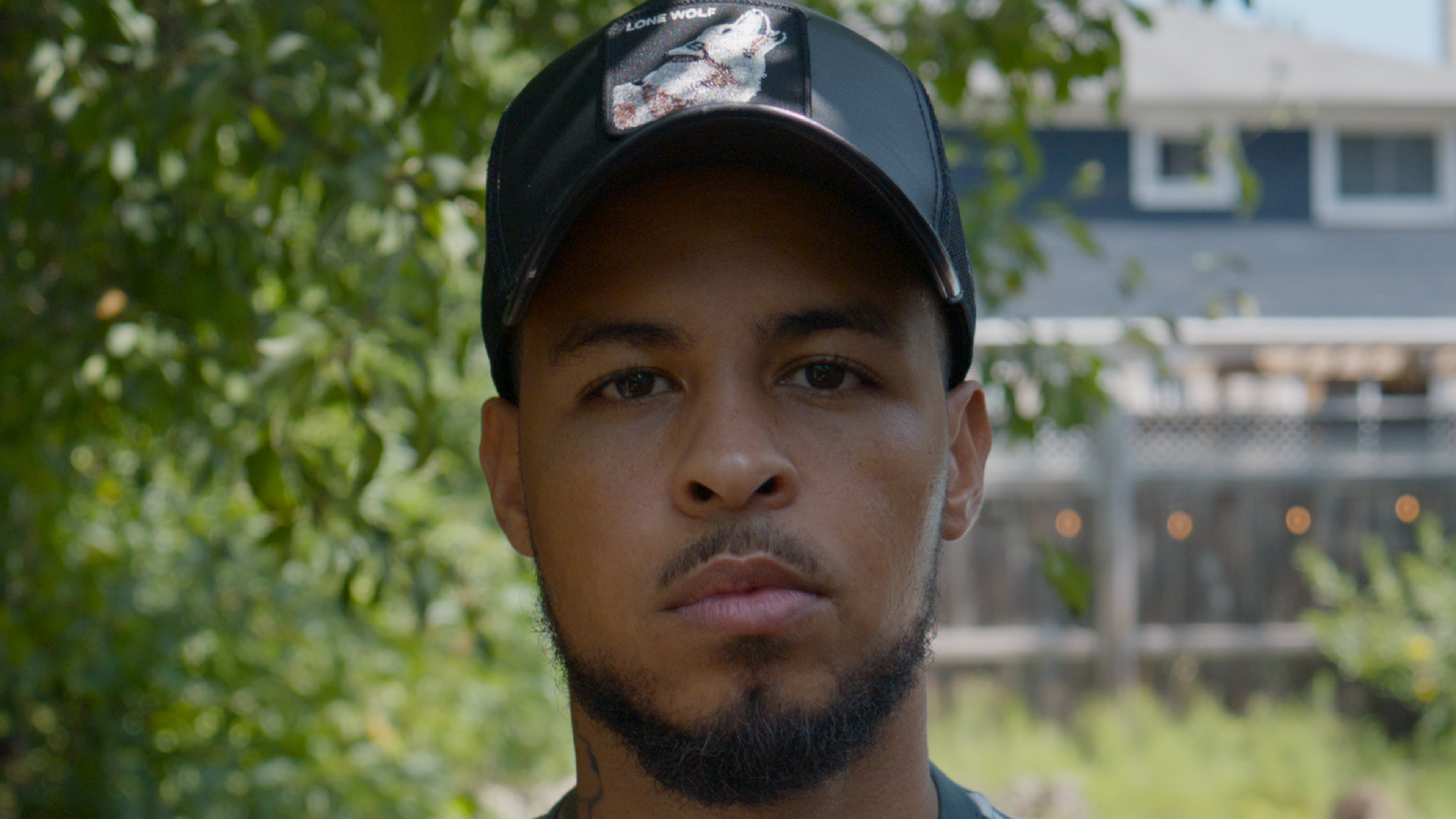 RAW source4K ↗
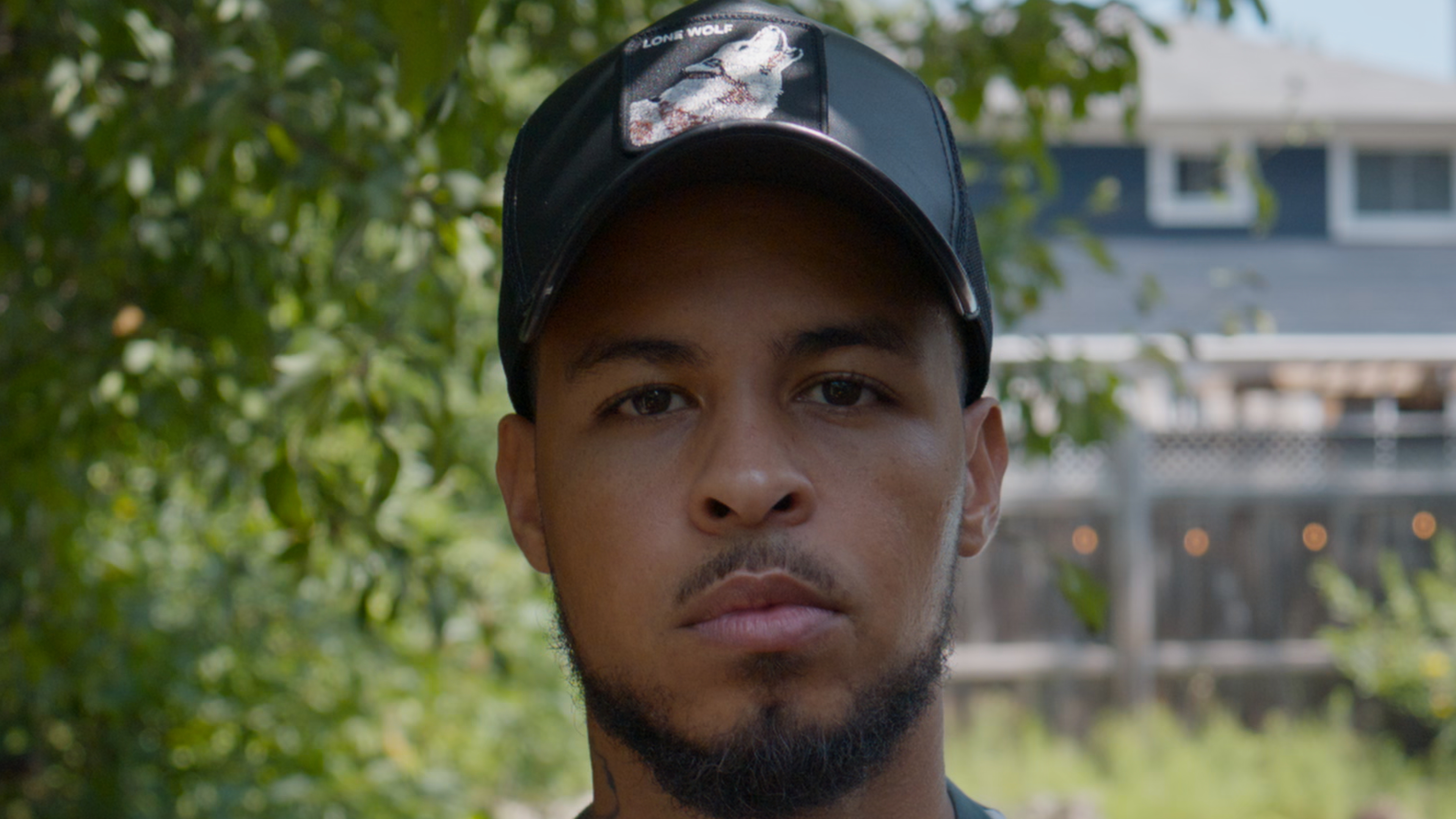 App export4K ↗
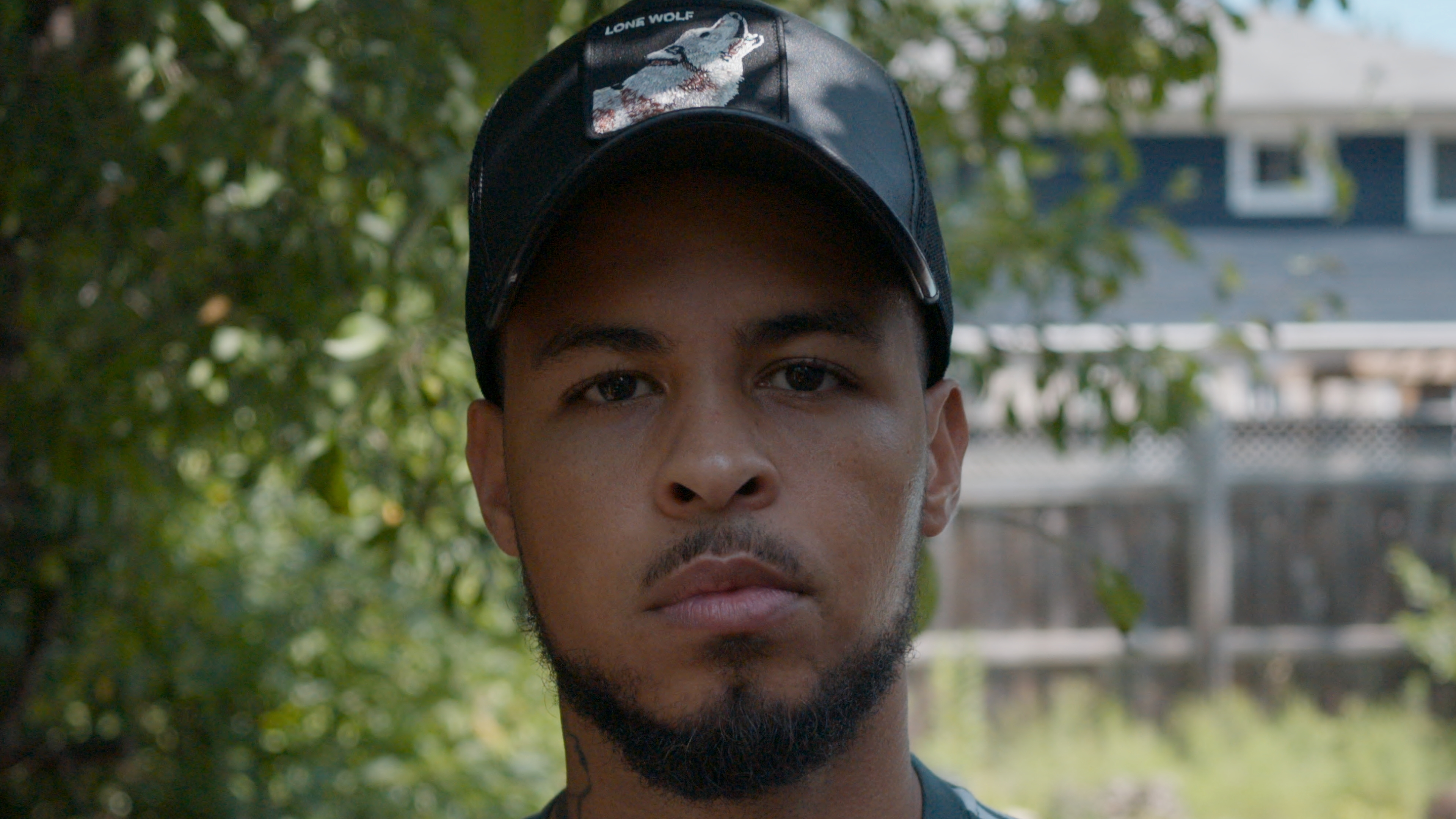
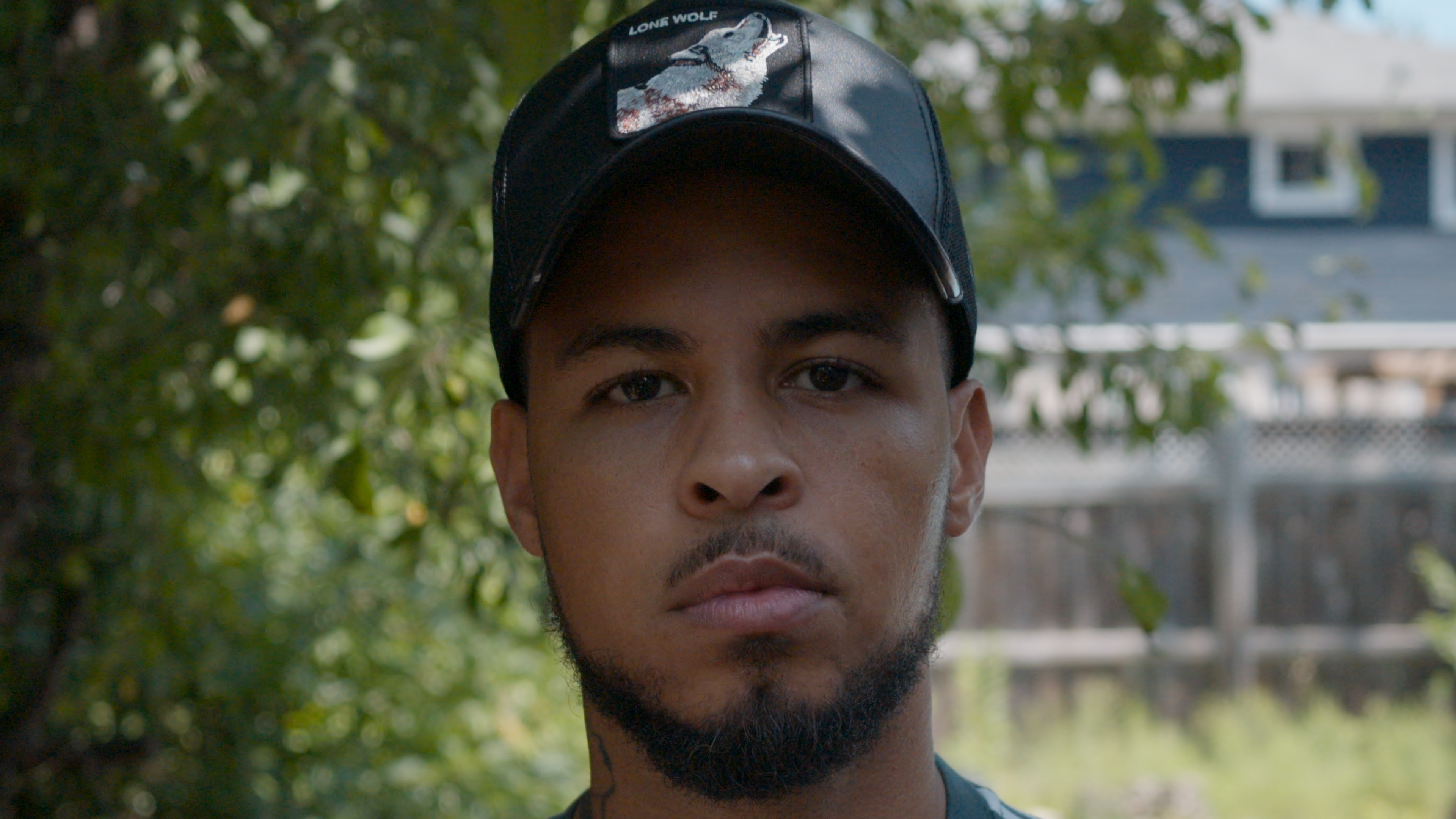
Clearly labeled N-RAW paths from the same portrait setup.
 RAW reference4K ↗
 Resolve export4K ↗
Same outdoor setup for visual reference; this pair is not frame-matched.
App export4K ↗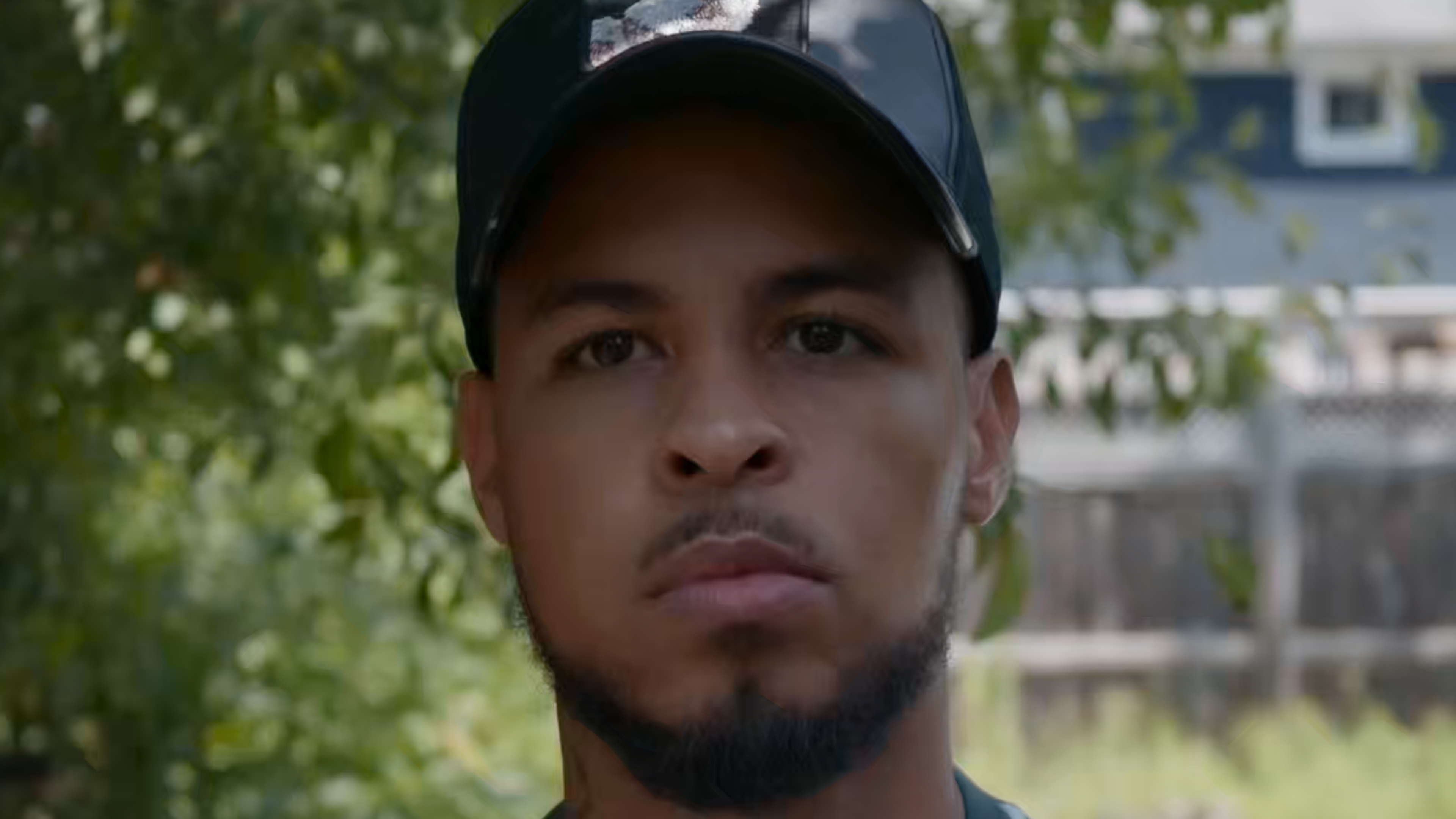 Camera codec4K ↗
Visual field comparison, not a controlled laboratory benchmark. Display scaling, JPEG screenshots, camera settings, lens behavior, and playback state can affect perceived detail. Preview files receive the same web treatment; linked 4K stills are the untouched supplied screenshots.
The 1.0 workspace includes engine choice, live stages, time remaining, recovery, and storage checks without crowding the cinematic queue-first view.
High-fidelity UI demonstration with fictional mediaLarge previews, RAW metadata, target format, measured savings, verification, and file progress stay in one view.
Cancel before processing starts and make any last queue changes.
5Five-second reviewCancel before automatic compression begins.
Finished files stay organized, and prior exports remain visible before another compression.
Watch multiple directories, preserve history, and choose where automatic exports land.
Everything important is in the queue. Everything else stays out of the way.
Drag supported R3D, N-RAW, or ProRes RAW clips, entire folders, or a mix. Preview camera details, history, resolution, frame rate, duration, and estimated savings before you commit.
Set H.265 or ProRes for the whole queue, then override individual files when a shot needs something different. Mixed formats run in one organized Resolve session.
The menu-bar listener watches selected directories, builds the queue, and gives you five seconds to cancel before the selected engine begins quietly in the background.
Every queue row shows the selected bitrate, estimated output size, and expected percentage smaller than the RAW. When the selected engine finishes, estimates switch to measured results.
Hide the main window and keep the listener running. When new RAWs arrive, the app builds a reviewable queue and starts a visible five-second countdown.
REDCINE-X / REDline is installed during setup. DaVinci Resolve Studio remains an optional preferred-quality engine.
You do not need DaVinci Resolve for R3D or N-RAW workflows. ProRes RAW camera originals require Resolve 20.2 or newer. Guided setup checks the selected workflow and reports anything that needs attention.
Open the DMG and launch the installer.
One time only. This free community build is not Apple-notarized.
The app lands in Applications and confirms that the selected RAW engine is ready.
ZR RAW Extended is free to download and use. Donations are entirely optional and help fund testing, compatibility work, and future support.
 ZR RAW Extended 1.0.3 · Build 211 · August 20, 2026
Free to download. No account, payment, or donation required.
macOS 13+ / Apple silicon / Resolve optional / 2.9 MB installer